Dumpit for Conferences
Every Session. Every Attendee. One Album.
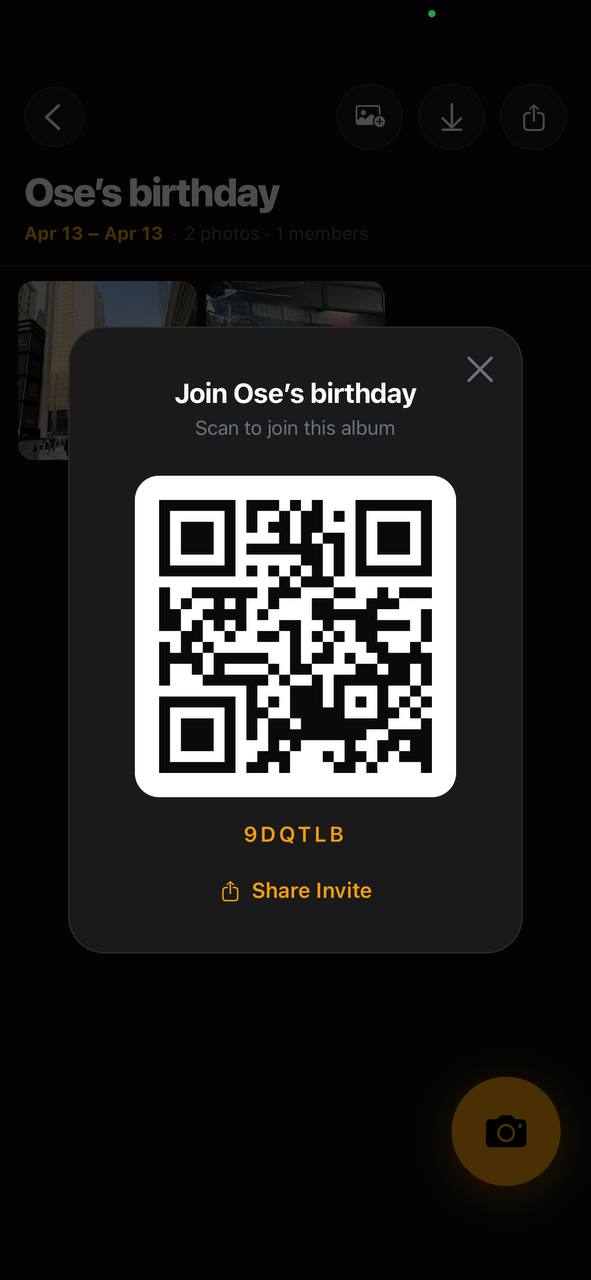
Share the QR at check-in and every attendee's photos land in one shared conference album throughout the event — sessions, networking, keynotes, all of it.
From check-in to after-party
One QR code covers the entire conference. Every attendee who scans contributes automatically — no coordinator needed to manage photos.
Consistent, professional look
Choose a film preset that fits your conference brand. Every attendee's photo gets the same treatment — cohesive content ready for your recap.
No app required for attendees
Attendees scan the QR at check-in and can contribute instantly. No app download, no account creation — just their phone.
Best Shot With
Ricoh GR
sharp documentary
Nikon FM2
classic editorial
Contax T2
clean & precise

How it works
01
Create the conference event
Set up your conference event in Dumpit, choose your film look, and print the QR code for registration tables and signage.
02
Share at check-in
Put the QR on lanyards, table cards, or the registration screen. Attendees scan once and they're in for the whole event.
03
Every moment documented
Keynotes, breakout sessions, networking — every angle from every attendee ends up in one shared album automatically.
Your guests join with a…
“put the QR on our conference lanyards and by the end of day one we had 500+ photos from attendees across every session. best conference recap content we've ever had.”Dana · @danaevents
Start shooting for free.
Download Dumpit, create your event, and share the QR — your shared album is ready in under a minute.
Download on the App Store