Dumpit for Company Events
One Event. Every Team Member's Shot.
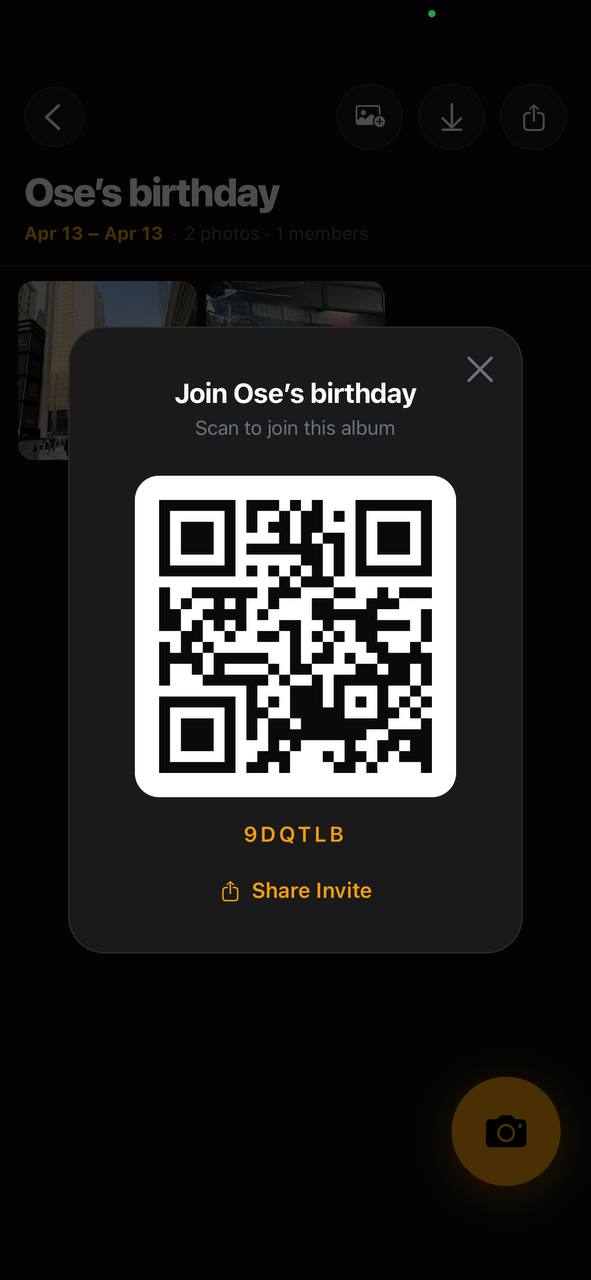
Share one QR code at your next company event and every employee's photos land in one shared album automatically. No IT setup, no app policy — just scan and contribute.
Works on any phone
Employees don't need to download anything. They scan the QR from their personal or work phone and add photos directly. Zero friction for the whole team.
Professional-looking photos
24 film presets give every company event photo a polished, cohesive look — better than a mix of random iPhone shots from 50 different people.
Everything in one place
From the keynote to the after-party — every angle, every table, every team captured automatically. Use the album for internal comms or social media content.
Best Shot With
Contax T2
polished & professional
CCD Y2K
digital candid
Ricoh GR
sharp documentary
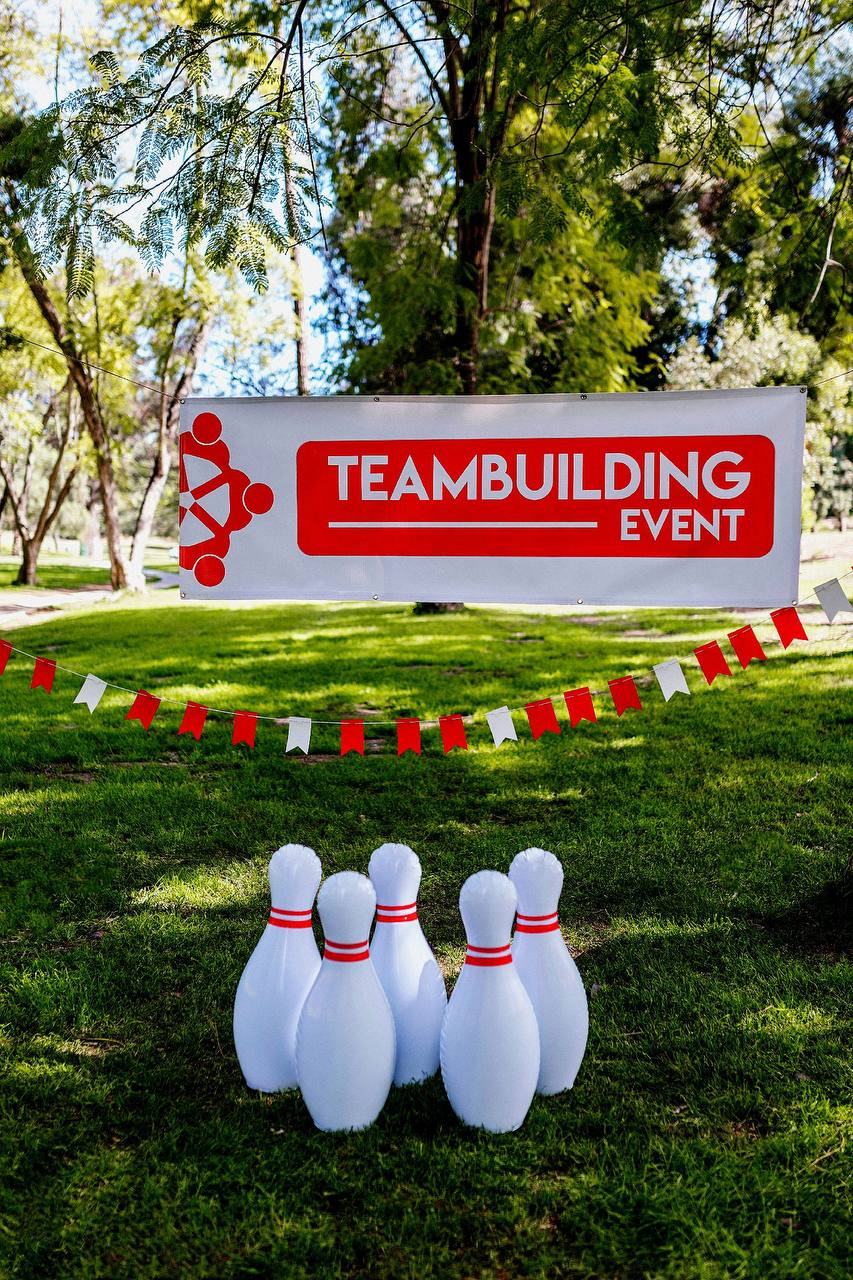
How it works
01
Set up the company event
Create your event in Dumpit, choose a film look that fits your brand, and generate the QR code before the event starts.
02
Share with the team
Put the QR on the event signage, Slack channel, or email invite. Employees scan once — done.
03
One album for the whole event
Every photo from every employee ends up in one shared company event album. Download, share, or use for content.
Your guests join with a…
“used this for our annual company retreat and had 300+ photos from 60 employees by the end of the day. it replaced our usual Google Photos shared album and everyone actually used it.”Alex · @alexhr
Start shooting for free.
Download Dumpit, create your event, and share the QR — your shared album is ready in under a minute.
Download on the App Store